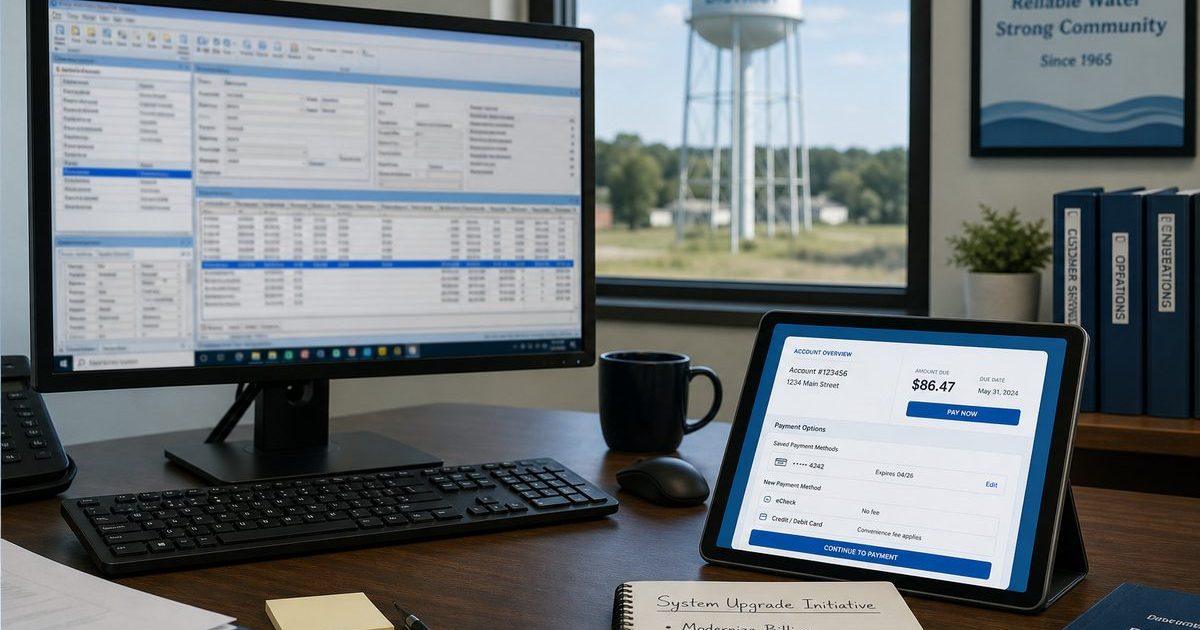
RVS Mosaic (from RVS Software) is a familiar name in rural utility billing. Thousands of small cities and water systems use it for account maintenance, meter reading worksheets, end-of-month processing, and the reports auditors expect. It is Windows-based, configurable, and built by people who understand utility bookkeeping.
What many association boards still want is stronger online billing: a customer portal members can use from their phone, card and ACH pay without calling the office, and field meter reading that syncs to the same system without running everything from one office PC. Whether you call it switching from RVS Mosaic or upgrading from RVS Mosaic, the goal is the same: one cloud ledger for billing and member self-service.
Quick answer
RVS Mosaic users add online billing by switching or upgrading to a cloud platform with a member portal, PCI-safe card and ACH pay, and mobile meter reading tied to the same billing ledger. Online Water Bill imports Mosaic account data, trains staff in about one week, and lets associations keep mailed bills while online pay grows.
What RVS Mosaic Does Well, and Where Boards Feel the Gap
RVS Mosaic excels at the traditional billing office workflow: daily receipts, meter reading batches, end-of-month finalize, and extensive reporting. Handheld reader and AMR interfaces are available. General ledger exports connect to QuickBooks and similar systems.
Common reasons Mosaic users explore an upgrade:
- Members want to pay online; optional online payment add-ons feel dated or disconnected from the member experience
- Everything depends on a Windows PC in the office. Remote access and backups are the clerk’s problem
- Meter reading in the field still means worksheets or handheld sync, then office verification
- Volunteer turnover means retraining on a dense desktop interface every few years
- The board wants a public-facing portal URL on the bill, not just a phone number
Adding online billing is the upgrade path most Mosaic boards ask about first.
What “Online Billing” Should Mean for Your Association
Online billing is more than a pay link. For rural water associations it should include:
- View balance and usage history anytime
- Pay by card or bank transfer with PCI-compliant processing
- Optional auto-pay for members who want it
- Association-branded website (your name, your colors)
- Same numbers the clerk sees in the billing office
- Printed portal URL on every mailed bill for members who still pay by check
See our customer portal checklist and online payment options guide for what to require on a shortlist.
Why Associations Upgrade from RVS Mosaic to Online Water Bill
Online Water Bill is purpose-built for community water associations, not a generic municipal suite scaled down. We list RVS Mosaic among systems we have helped associations upgrade from because the fit is common: you know billing, you want modern member self-service, and you do not want three disconnected tools.
What changes after upgrade:
- Cloud-based. Browser access for clerk, meter reader, and board; no local install to patch
- Mobile meter reading. Offline routes, GPS, Mueller/Neptune/Badger AMR import, readings post to billing automatically
- Unified portal and billing. Payments reconcile without a separate payment vendor login
- Mailing built in. Print-ready bills or automated mail partners
- 24/7 support. Included in setup, by email or ticket, not only during business hours
Pricing is a one-time setup fee quoted by connection count, with no monthly platform fee to the association. Customers who pay online pay a small service fee; check and cash payments have no customer fee.
Moving from RVS Mosaic: Practical Steps
RVS offers data conversion services when you switch vendors. For Online Water Bill, the migration path looks like this:
- Request a backup export from your current Mosaic install (customer file, balances, rates, meters).
- Schedule onboarding around your billing calendar, typically about one week to import, configure rates, and train staff.
- Configure your portal. Subdomain like yourassociation.onlinewaterbill.com, branding, payment methods.
- Run the first billing cycle in Online Water Bill; mail bills with the portal URL printed prominently.
- Keep Mosaic read-only until the board confirms the first cycle reconciled cleanly.
Most associations bill their first full cycle in the new system without skipping a month. See switching is easier than you think for the full timeline.
RVS Mosaic vs. Online Water Bill at a Glance
This is a practical comparison for boards evaluating online billing, not a feature-by-feature spec sheet:
- Deployment: Mosaic runs on Windows in your office; Online Water Bill is hosted in the cloud
- Member experience: Mosaic focuses on the billing office; Online Water Bill leads with a customer portal and online pay
- Meter reading: Both support field workflows; Online Water Bill uses a mobile web app with offline sync
- Pricing model: Mosaic is a traditional software purchase; Online Water Bill uses one-time setup quoted by size
- Best fit: Mosaic suits teams committed to desktop utility software; Online Water Bill suits associations prioritizing online billing and reduced office calls
Frequently Asked Questions
Can RVS convert our data if we switch?
RVS can quote conversion to another vendor format. We also work from standard exports and backups; bring what you have on the first call and we will confirm what is needed.
Will we lose Mosaic reports our auditor expects?
Online Water Bill includes aging, receipt lists, usage, and payment reports boards and auditors commonly request. Review samples in the Association Guide before your vote.
Do we need new computers?
No. Staff use any modern browser. Meter readers use phones or tablets in the field.
Can we keep mailing paper bills?
Yes. Most rural associations keep mailed bills while online pay grows. See bill mailing software for small associations.
How do we get the board to approve the switch?
Share the Association Guide, Deer case study, and a demo portal. Frame it as reducing clerk burnout and member complaint calls, not IT for its own sake.
Is switching from RVS Mosaic different from upgrading?
No. Switching from RVS Mosaic and upgrading from RVS Mosaic are the same process: import account data, move to a cloud portal with online pay, and bill the next cycle without skipping a month.
On RVS Mosaic and ready for online billing?
We have migrated associations from Mosaic and similar desktop systems. Tell us your connection count and billing calendar. We will quote setup and outline go-live.
The Bottom Line
See related guides below or reach out with questions about your association.