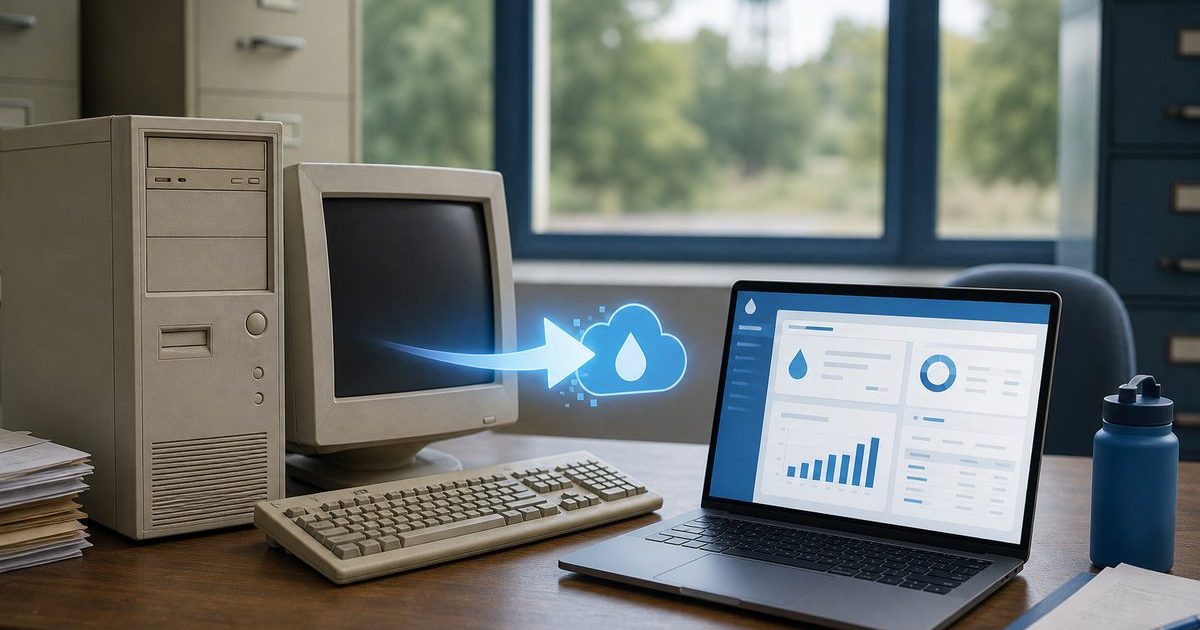
If your water association still bills on GFC Data Post from GFC Data Systems, you are not alone. Many Oklahoma municipalities and similar small utilities used GFC’s desktop Utility Billing tools for decades of meter entry, posting, and monthly bills. Boards typically look for a replacement when that install feels retired, unsupported on newer PCs, or simply unable to give members a modern way to pay online.
Replacing retired GFC Data Post billing software does not have to mean a chaotic cutover. The practical path is to export the accounts you still run day to day, move them into a cloud platform built for community water, and bill the next cycle without skipping a month while check and cash payers keep the options they already use.
Quick answer
Associations replace retired GFC Data Post (GFC Data Systems) billing by exporting current customers, meters, balances, and rates, then importing that data into a cloud system with a member portal, PCI-safe online pay, and mobile meter reading. Online Water Bill is built for that transition: guided import, staff training, and a go-live mapped to your billing calendar so you can keep mailing paper bills while online pay grows.
Why Boards Replace GFC Data Post
GFC Data Systems has long served Oklahoma municipalities with Utility Billing and related desktop applications. Associations and small towns often start shopping for a replacement when:
- The current GFC Data Post or Utility Billing install is treated as end-of-life: hard to move to a new PC, hard to find a backup operator, or no longer meeting board expectations
- Members ask why they cannot view a balance or pay online like neighboring utilities
- Only one clerk knows the posting, backup, and end-of-month routine
- Meter reading still means worksheets or rekeying into the office system
- Windows updates, printer drivers, or hardware failures threaten the billing PC every year
- The board wants one place for billing, mailing, and member self-service instead of bolting on a separate payment website
Those are operational reasons, not a critique of every GFC product line. If your board’s Data Post-era install no longer fits, the goal is a clean handoff of current account data into software you can run in a browser.
What to Preserve Before You Switch
Before you uninstall or retire the old PC, gather what you need for go-live. You do not need every historical report from the last twenty years in the new system on day one. You do need:
- Customer names and account numbers members already recognize
- Service addresses and meter identifiers
- Current balances and any credits or deposits you still track
- Rate tables, fees, and your billing calendar (read date, mail date, due day)
- A written backup of the old system your auditor or board can archive
If export formats are limited, bring what you have to the first call: CSV, reports, or printed rate sheets. We confirm the minimum needed to bill the next cycle. Keep your own archival copy of older history outside Online Water Bill if you need it for records. See when your billing vendor stops providing service for a related emergency checklist.
What You Gain with Online Water Bill
- Branded customer portal. Balance, usage, payment history, and pay-by-card or bank transfer from any phone or browser
- PCI-safe payments. Stripe processing so card data never touches your office computers (how safe online pay works)
- Mobile meter reading. Offline routes, GPS, and AMR import tied directly to billing
- Print and mail. Tri-fold bills with return envelopes; optional automated mailing
- Cloud hosting. No local server to maintain; staff can work from a spare laptop when the office PC fails
- Multiple staff logins. Treasurer, clerk, and board share access without one person holding all the keys
Cash and check payers stay supported. Across Online Water Bill associations, roughly half of customers have portal accounts and about one third pay online, without mandating online pay. Review what boards evaluate in the Association Guide before a vote.
A Practical Transition from GFC Data Post
Associations we onboard typically complete setup in about one week and bill their first full cycle in Online Water Bill without skipping a month. The steps look like this:
- Export current data from your GFC Data Post / Utility Billing install: customers, meters, balances, and rates.
- Map go-live to your billing calendar. We align import and training with read dates and mail date so you do not double-bill.
- Configure rates and train clerk plus backup. Guided onboarding covers fees, the billing run, and portal setup.
- Communicate the new portal URL. Print it on the first mailed bill; announce at the meeting and on Facebook.
- Keep the old system read-only until the board confirms the first Online Water Bill cycle reconciled cleanly.
Full timeline detail is in our switching guide. Deer Community Water Association in Arkansas moved off fragile manual processes and saw complaint calls drop to zero. Read the Deer case study.
What to Tell Your Board
Frame the replacement as continuity and lower office risk, not technology for its own sake:
- Members get 24/7 balance and pay options; staff get fewer interruption calls
- One-time setup quoted by connection count; no monthly platform fee to the association
- Your data belongs to the association; terms are in the Service Agreement and SLA
- Check, cash, and mailed bills remain for members who prefer them
- Browser-based access reduces dependency on one aging office PC
Email the Association Guide PDF to trustees before your next meeting so they can review on their own time.
Frequently Asked Questions
Is GFC Data Systems completely out of business?
This page is for associations replacing a retired or end-of-life GFC Data Post billing install. GFC Data Systems still publishes municipal software information at gfcdatasys.com. Your board should decide based on whether your current install still meets support, hardware, and member-service needs.
Can we keep using the old system while we test Online Water Bill?
Many associations run one parallel billing cycle or a sandbox import before cutover. We map the timeline to your read and mail dates so you do not skip a month.
Will we lose our customer account numbers?
Usually not. Imports preserve account numbers members already know. You communicate the new portal URL and payment options.
What if our export from GFC is incomplete?
Bring what you can export plus printed rate sheets and meter lists. We discuss the minimum needed for go-live on the first call. Keep a local archive of older history for your records.
Do we need new computers?
No. Staff use any modern browser. Meter readers use phones or tablets in the field.
Can we keep mailing paper bills?
Yes. Most rural associations keep mailed bills while online pay grows. See bill mailing software for small associations.
Still on GFC Data Post or a related GFC billing install?
Tell us how many connections you bill, where you are in Oklahoma or nearby, and when your next cycle mails. We will outline a practical migration path and quote setup for your association.
The Bottom Line
Replacing retired GFC Data Post billing software is a data and calendar problem first: export what you need for the next cycle, train two people, and give members a portal URL without dropping check payers. See related guides below or reach out with questions about your association.