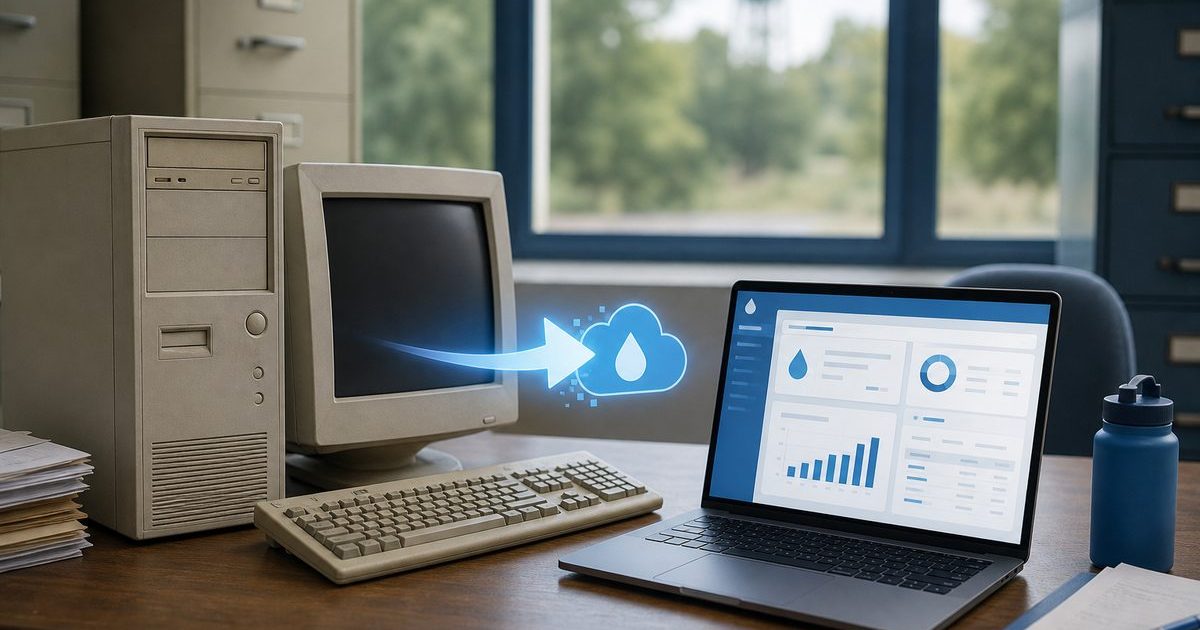
If your water association runs billing on WaterWorks, you already have a structured monthly cycle: enter reads, print bills, post payments, run reports. What many boards still lack is a modern customer portal where members pay online, see usage history, and stop calling the office for balance questions.
Whether you call it switching from WaterWorks or upgrading from WaterWorks, moving to a platform built around online billing does not mean throwing away what works. It means moving to one cloud system where billing, mailing, meter reading, and member self-service share the same data without maintaining a desktop install or bolting on a separate payment website.
Quick answer
Water associations switch or upgrade from WaterWorks to add online billing by moving to one cloud platform where billing, meter reading, mailed invoices, and a customer portal share the same data. Online Water Bill imports WaterWorks accounts, enables PCI-safe card and ACH pay within days, and typically completes migration in about one week without skipping a billing cycle.
Why WaterWorks Users Look for Online Billing
WaterWorks and similar desktop utility billing packages have served small municipalities and water associations for years. Boards typically start shopping when:
- Members ask why they cannot pay online like their electric co-op
- The clerk spends evenings on phone calls about balances between bill dates
- Online payment is a separate module, third-party site, or not set up at all
- Meter reading still means paper routes or rekeying handheld exports
- Only one person knows the backup, restore, and end-of-month routine
- Windows updates or hardware failures threaten the billing PC
Online billing is not a nice-to-have anymore. It reduces office load and gives members the self-service they expect.
Add Online Billing vs. Replace the Whole System
Some associations try to keep WaterWorks and add a standalone payment portal. That creates two systems to reconcile: payments in one place, balances in another, and staff manually matching deposits.
A cleaner path is upgrading to billing software where the customer portal, card and ACH processing, and invoice generation are one product. Reads flow into bills; payments post to the same ledger; members see what the office sees.
Online Water Bill was built for community water associations that want that unified workflow. We have helped associations upgrade from WaterWorks and other legacy desktop systems. See our Association Guide for what boards review before a vote.
What You Gain with Online Water Bill
- Branded customer portal. Balance, usage, payment history, and pay-by-card or bank transfer from any phone or browser
- PCI-safe payments. Stripe processing so card data never touches your office computers (how safe online pay works)
- Mobile meter reading. Offline routes, GPS, and AMR import tied directly to billing
- Print and mail. Tri-fold bills with return envelopes; optional automated mailing
- Cloud hosting. No local server to maintain; access from home when the clerk is out
- Multiple staff logins. Treasurer, clerk, and board can share access without one person holding all the keys
Cash and check payers stay supported. Roughly half of customers on Online Water Bill have portal accounts and about one third pay online, a strong outcome for rural utilities without mandating online pay.
Migrating from WaterWorks: What to Expect
Associations we work with typically complete setup in about one week and bill their first full cycle in Online Water Bill without skipping a month. The steps look like this:
- Export your data. Customer names, account numbers, service addresses, meter numbers, current balances, and rate tables from WaterWorks.
- Map go-live to your billing calendar. We align import and training with your read dates and mail date so you do not double-bill.
- Train clerk and backup. Guided onboarding covers rates, fees, billing run, and portal setup.
- Communicate the new portal URL. Print it on the first mailed bill; post on Facebook; mention at the meeting.
- Run parallel for one cycle if needed. Some boards keep WaterWorks read-only until the first Online Water Bill cycle clears.
Full detail is in our switching guide. Deer Community Water Association in Arkansas moved off manual processes and saw complaint calls drop to zero. Read the Deer case study.
What to Tell Your Board
Frame the upgrade as reducing risk and office workload, not chasing technology for its own sake:
- Members get 24/7 balance and pay options; staff get fewer interruption calls
- One-time setup quoted by connection count; no monthly platform fee to the association
- Your data belongs to the association; terms are in the Service Agreement and SLA
- Check, cash, and mailed bills remain for members who prefer them
Download the Association Guide PDF to email trustees before your next meeting.
Frequently Asked Questions
Can we keep using WaterWorks while we test Online Water Bill?
Many associations run one parallel billing cycle or use a sandbox import before cutover. We map timeline to your read and mail dates so you do not skip a month.
Will we lose our WaterWorks customer history?
No. We import active accounts, balances, and rate settings. Historical detail depends on what your export includes; we discuss minimum data needed on the first call.
Do members need new account numbers?
Usually not. Imports preserve account numbers members already know. You communicate the new portal URL and payment options.
Does Online Water Bill work for our size?
Yes. Online Water Bill scales from volunteer-run boards with a few dozen connections to cities and districts serving tens of thousands.
How long until members can pay online?
Most associations enable online payments within a few days of go-live. Adoption grows over months as the portal URL appears on every bill.
Is switching from WaterWorks different from upgrading?
No. Switching from WaterWorks and upgrading from WaterWorks describe the same migration: move billing, meter reading, and a customer portal onto one cloud platform without skipping a billing cycle.
Running WaterWorks today?
Tell us how many connections you bill and whether members ask for online pay. We will outline a migration path and quote setup for your association.
The Bottom Line
See related guides below or reach out with questions about your association.