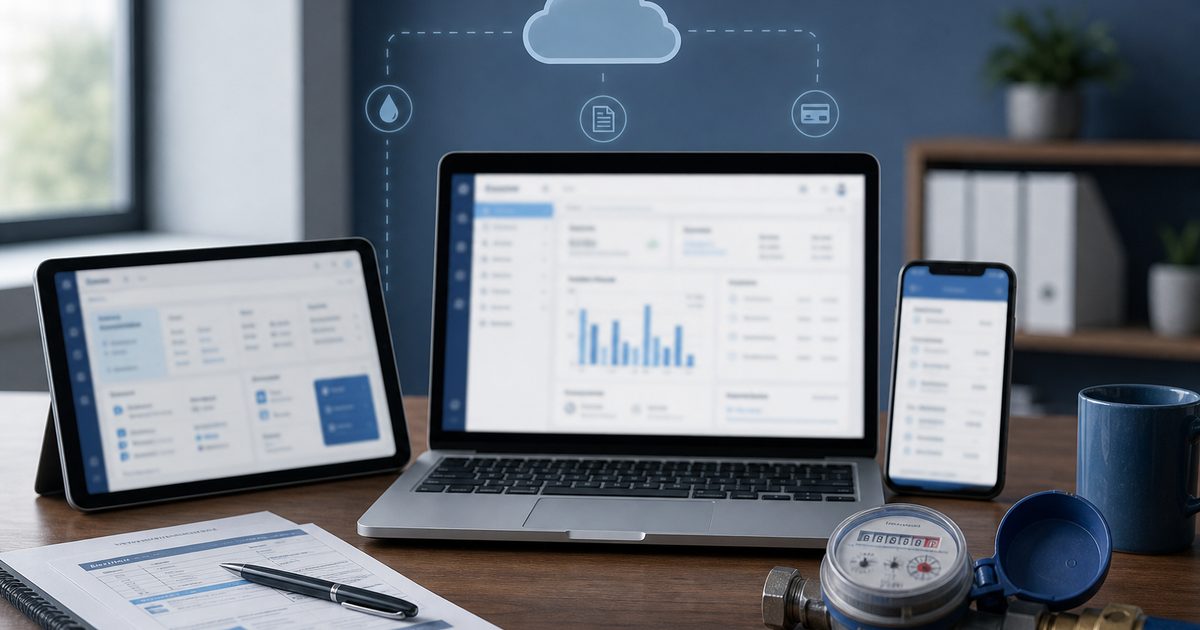
An online water billing system is more than accepting card payments on a website. It is the full cloud platform where staff read meters, generate bills, mail invoices, record payments, and let customers self-serve online. When those pieces live in one system, the billing clerk stops retyping reads and members stop calling because they cannot see their balance.
This guide explains what belongs in an online water billing system, how it compares to paper-only workflows, and what boards should verify before go-live.
Quick answer
An online water billing system is a cloud platform for the full billing cycle: accounts, meter reads, invoicing, payments, reminders, and customer self-service. Online Water Bill scales from volunteer-run boards with a few dozen connections to cities and districts serving tens of thousands, replacing spreadsheets and paper-only workflows with one system from field read to online pay.
What an Online Water Billing System Includes
- Cloud billing ledger. Accounts, rates, balances, and adjustments in one database staff access from the office or home.
- Field meter reading. Mobile routes, offline capture, AMR import. See meter reading app requirements.
- Bill production. Print-ready tri-fold bills, optional automated mailing, email delivery.
- Online payment portal. Balance, usage, card and ACH pay. See online payment portal requirements.
- Reminders and delinquency tools. Email, text, and reports aligned with board policy.
- Hosting and backups. No local server in the clerk's closet.
Online Water Billing System vs. Paper-Only Billing
Paper-only workflows hide cost in volunteer hours:
- Handwritten meter sheets retyped at night
- Calculator totals copied into bill templates
- Envelope stuffing parties before every due date
- Check entry when mail arrives
- Balance questions members cannot answer until the office opens
An online water billing system keeps paper where members want it while adding portal access and automated calculation. Read upgrading from paper billing.
Security and Compliance
Online does not mean careless. Card data should flow through a PCI-compliant processor; association staff should never store card numbers in email or spreadsheets. Online Water Bill uses Stripe so payment security is handled outside your office network.
How Boards Evaluate Systems
Run one demo billing cycle end to end. Ask:
- Do reads flow to bills without export/import?
- Can we mail and offer online pay from the same run?
- Multiple logins for treasurer turnover?
- Total cost including transaction fees to the utility?
- Migration help and support after go-live?
Compare with our water association billing software and best water billing software guides.
Online Water Bill as Your Billing System
Online Water Bill is an online water billing system purpose-built for community water utilities: meter reading through customer portal in one platform, scaling from volunteer boards to larger districts. Switching typically takes about one week with guided onboarding.
Ready for an online water billing system?
Describe how you bill today. We will map your monthly cycle to Online Water Bill and answer pricing for your connection count.
Frequently Asked Questions
What is an online water billing system?
It is a cloud platform for the full water utility billing cycle: accounts, meter reads, invoicing, payments, reminders, and customer self-service online.
Is an online water billing system the same as online payments?
No. Online payments are one feature. A complete system also handles meter reading, rate calculation, mailed bills, and delinquency workflows.
Can we keep mailing paper bills?
Yes. Most associations mail bills for years while portal adoption grows. The system should support both channels from the same billing data.
How long does implementation take?
Initial setup is often 1 to 2 hours plus account import help. Many associations enable online payments within a few days and complete migration in about one week.
The Bottom Line
See related guides below or reach out with questions about your association.